
POS integrations
We connect to the POS you already run.
TabbPay forwards every order to your existing POS. No new hardware, no change to your kitchen workflow, no parallel system for your line cook to learn. We integrate with symPOSium and HIT POS today, and we partner with your POS vendor during onboarding when your venue is on a different one. We are a strategic partner here to help your business, not a piece of infrastructure you have to work around.
—
Your kitchen tickets keep printing the way they always have.
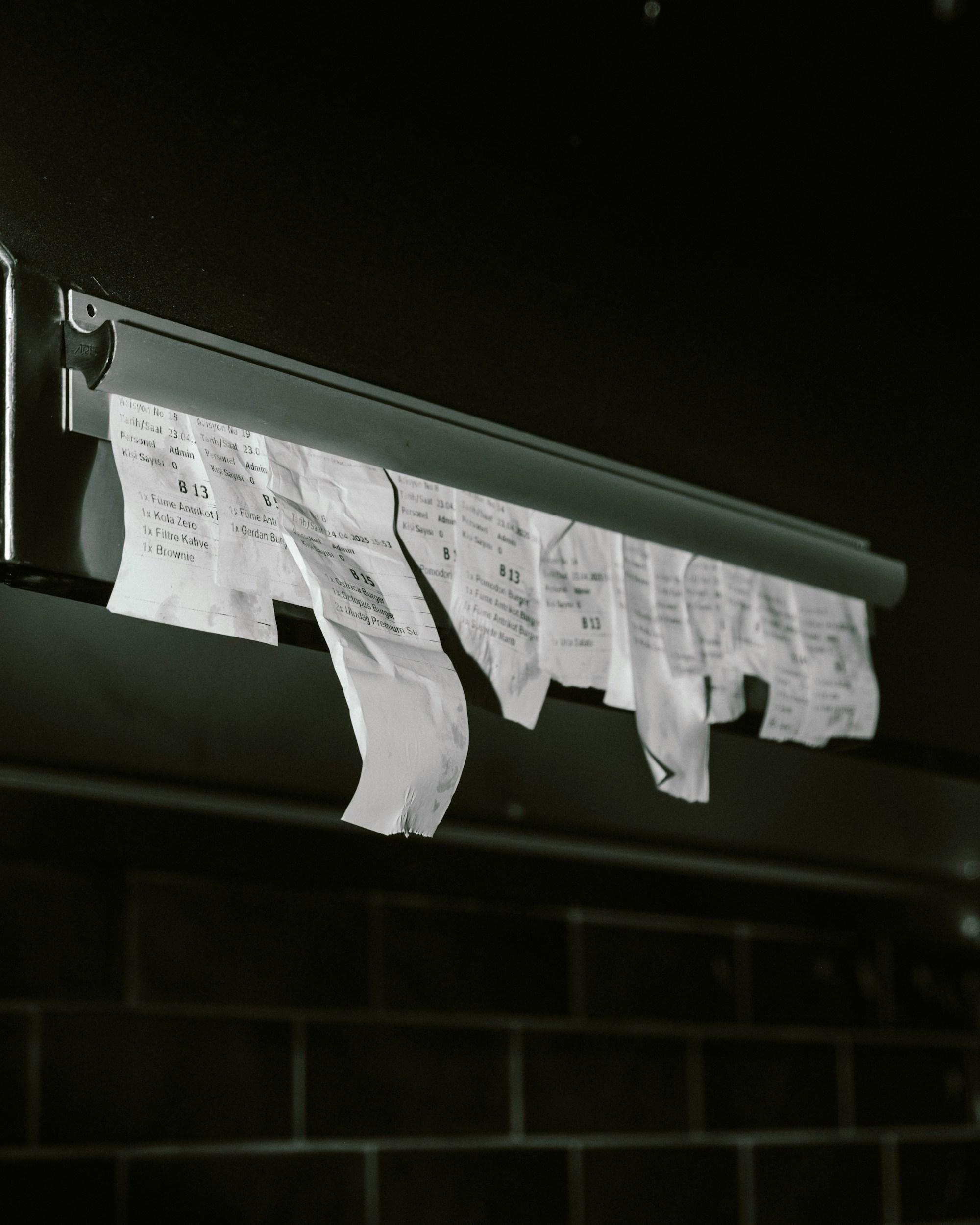
The cook does not see TabbPay. The printer at the pass keeps printing tickets in the same format and on the same paper. The reconciliation between the order, the payment, and the POS runs in the background. If your POS is connected, the dashboard shows a green light. If it is not, you hear about it before the guest does.
We do the integration work, so onboarding takes days not months. Most venues on a supported POS are connected the same week they sign up. On a different POS? We coordinate with the vendor during your demo and onboarding window.
How the integration works
No new hardware
We do not ship a box. The POS terminal in your kitchen is the same one you have today. The only thing the integration adds is the order feed from TabbPay.
No interception
Direct orders placed at the counter still go straight to the POS the way they always have. TabbPay only adds the orders guests place through QR.
Health monitoring
A green light in your dashboard means the POS is connected and ingesting. Yellow flags an order that has not been acknowledged in 30 seconds, so the manager catches it before the kitchen does.
Reconciliation in the background
Every order is matched against the POS receipt at end of shift. Discrepancies surface as a single line item, not a spreadsheet exercise.
Your POS, your data
We push to your POS. We do not pull from it. Your POS provider remains your source of truth for kitchen workflow and back-of-house reporting.
Partner onboarding
On a system we have not yet adapted? We coordinate the integration with your POS vendor during onboarding. It is part of the demo conversation, not a separate project.