
Promotions
Discounts that respect the shift, not the calendar.
Time-windowed promotions on individual items or whole categories. Happy hour, lunch special, late-night dessert. Set once, they apply on schedule and roll off on schedule. No staff member has to remember to flip a switch.
—
Promotions that run themselves.
A promotion in TabbPay is a price rule with a window. You pick the items or the category, the percentage or fixed discount, and the days and hours it applies. The dashboard handles the rest. Guests see the discounted price the moment the window opens, and the original price the moment it closes.
Promotions show up in revenue analytics so you can see exactly how much your Tuesday lunch special drove this week, against an unpromoted Tuesday. The number is in the report, not a guess.
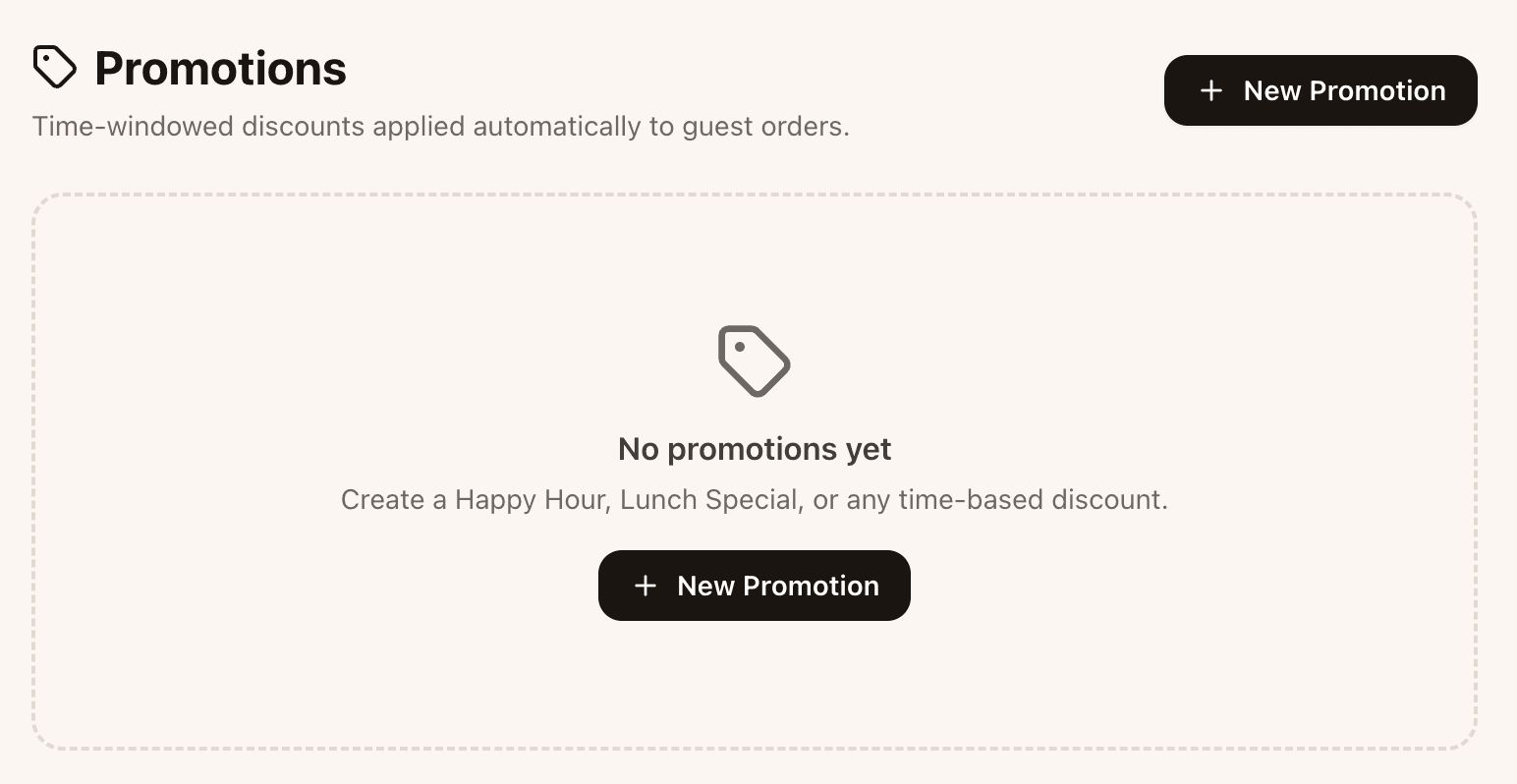
The promotions editor. Pick items or a category, the discount, and the days and hours it runs.
What is in this
Per-item or per-category
Apply a discount to a single item, a whole category, or a hand-picked set of items.
Time windows
Days of the week and time-of-day windows. Lunch on weekdays, happy hour from 18:00 to 20:00, weekend brunch from 11:00 to 14:00.
Percentage or fixed amount
20% off the dessert menu, or €2 off the house wine. Whichever fits the offer.
Automatic on and off
Promotions enable themselves on schedule and disable themselves on schedule. The guest sees the right price without anyone touching the dashboard.
Tracked in analytics
Promoted revenue is reported separately from full-price revenue, so you can measure what the promotion actually drove.